
Cable TV, the way you remember it.
Flip through 100+ channels with a 90s-style guide on your Android TV or Google TV. Cartoons, soap operas, home shows, news, classic TV, movies, old commercials and more. Always on, always mid-show. Free, with no account.

Looks like TV did
Up and down flips channels like a cable box. Press OK for the guide with the picture still playing in the corner, or type a channel number.
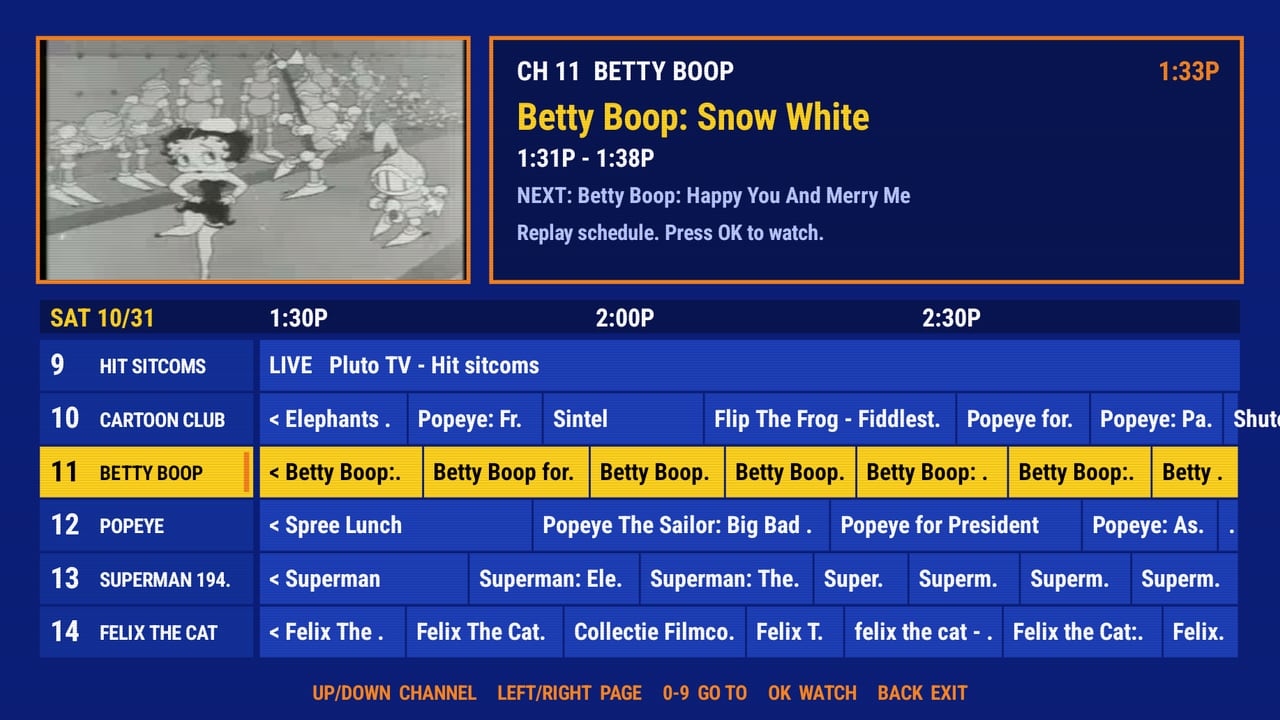
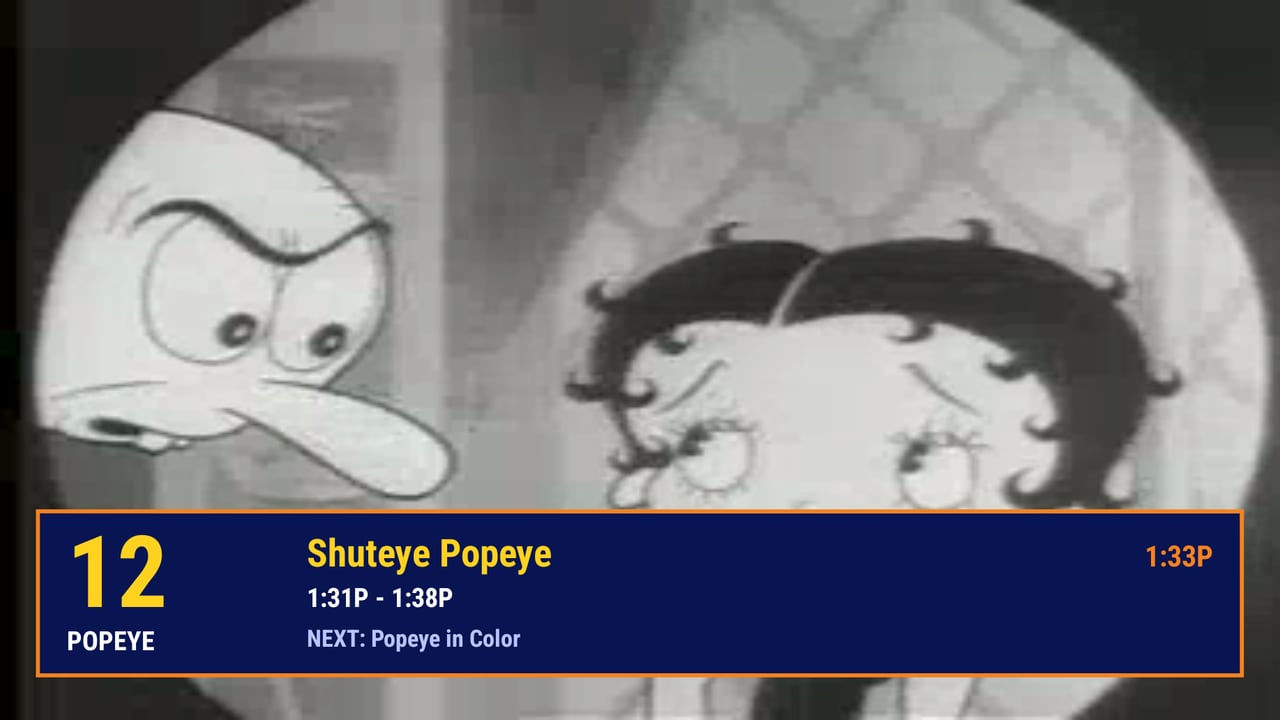
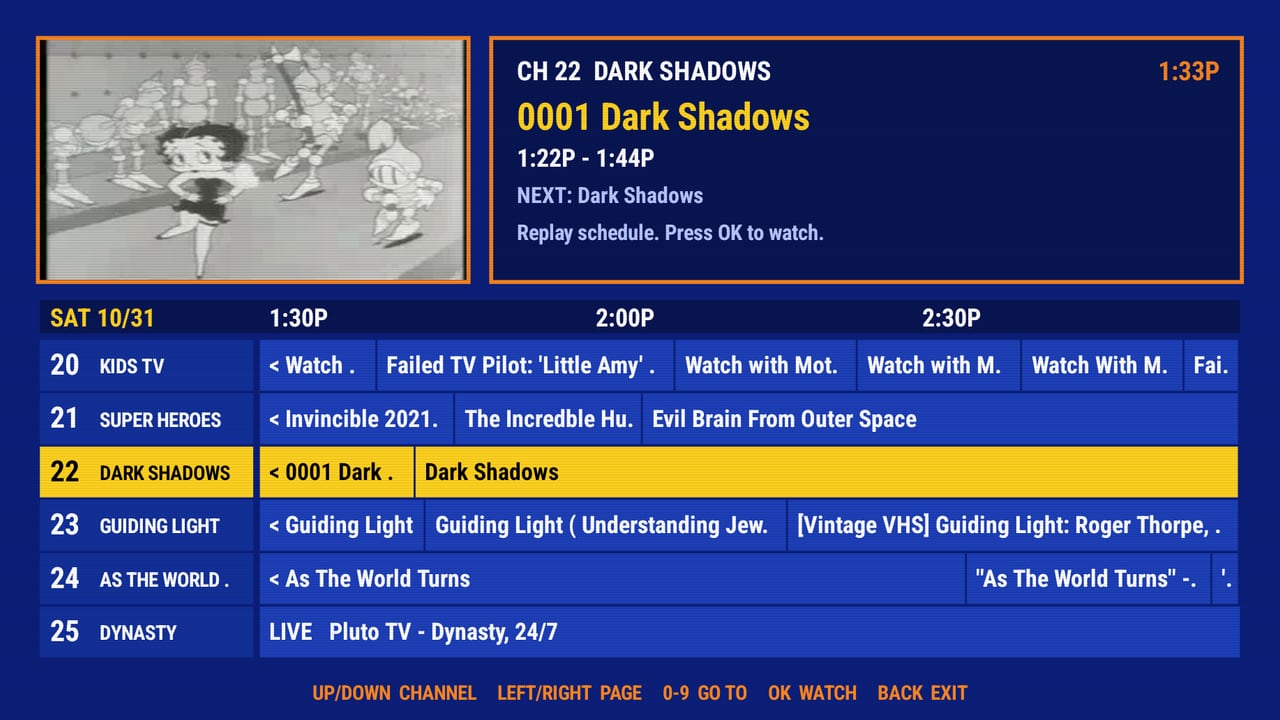
What's on
Channels run on a shared clock, so when you tune in the show is already underway, just like real TV. Soaps play oldest episode first where the archive has them.
Cartoons & kids
Betty Boop, Popeye, Looney Tunes, Saturday morning, 80s and 90s cartoons, anime.
Soaps & dramas
Dark Shadows, Guiding Light, 1950s soaps, Dynasty, telenovelas and more.
Home shows
This Old House, Julia Child, gardening, DIY, quilting, garage.
News & public affairs
90s local news, newsreels, NASA, C-SPAN, weather.
Classic TV & movies
Sitcoms, westerns, Twilight Zone, noir, horror, sci-fi, silent films, the Stooges.
Commercial break
Ads from every decade, infomercials, station IDs.
VHS Vault 1990-1999
Home-recorded TV off old tapes, one channel per year.
Live 90s channels
90s Throwback, 90s Kids, MTV, Nickelodeon and more, live from Pluto TV.
Install in 2 minutes
BackWhenTV isn't in an app store yet, so you "sideload" it. It's easy.
- Get Downloader. Install the free "Downloader" app from your TV's app store.
- Allow it. On Google TV / Android TV: Settings → Apps → Security & restrictions → Unknown sources, and allow Downloader. On Fire TV: Settings → My Fire TV → Developer options → Install unknown apps.
- Enter the code. Open Downloader and type the code
5778898(or the addressbackwhen.stream/get), then choose Go → Install. - Watch. Open BackWhenTV. Press OK for the guide.
Prefer a computer? Install over ADB
adb connect <tv-ip>:5555
adb install -r BackWhenTV.apk
Remote: Up/Down = channel up/down · OK = guide / watch · Left/Right = page the guide · 0-9 = go to channel · Back = close guide / exit.
Questions
Is it really free?
Yes. BackWhenTV has no accounts, no subscription and shows no ads of its own. The live Pluto TV channels carry Pluto's own ad breaks, like on Pluto itself.
Where does the video come from?
Most channels play public and user-uploaded videos straight from the Internet Archive. The live 90s channels come from Pluto TV's free streams. BackWhenTV hosts no video; your TV streams directly from those sources, and a small service only tells the app what's on.
Why is a channel sometimes grainy or odd?
A lot of Internet Archive material is old tape recordings and uploads of varying quality. That's part of the charm, but it isn't perfect.
Will it run on a cheap stick?
It's built to be light: under 1 MB, a single screen drawn directly, small video buffers. It's aimed at low-end sticks like the Onn 1080p and 4K.
Does it work on Fire TV or Android phones?
It targets Android TV, Google TV and Fire TV (Android 8 or newer) with a remote. It isn't designed for touch screens.
Is it safe?
The APK is signed by BackWhenTV. Check that the SHA-256 shown above matches your download. The app asks only for internet access.
Keep the lights on
BackWhenTV is made by one person, and the servers and time are paid for out of pocket. If it makes your night better, a tip helps keep it free. No pressure, it works exactly the same either way.
Chip inMost of what you watch lives on the Internet Archive, a non-profit. Consider chipping in to them too.